 Invoice Master
Professional PDF invoices
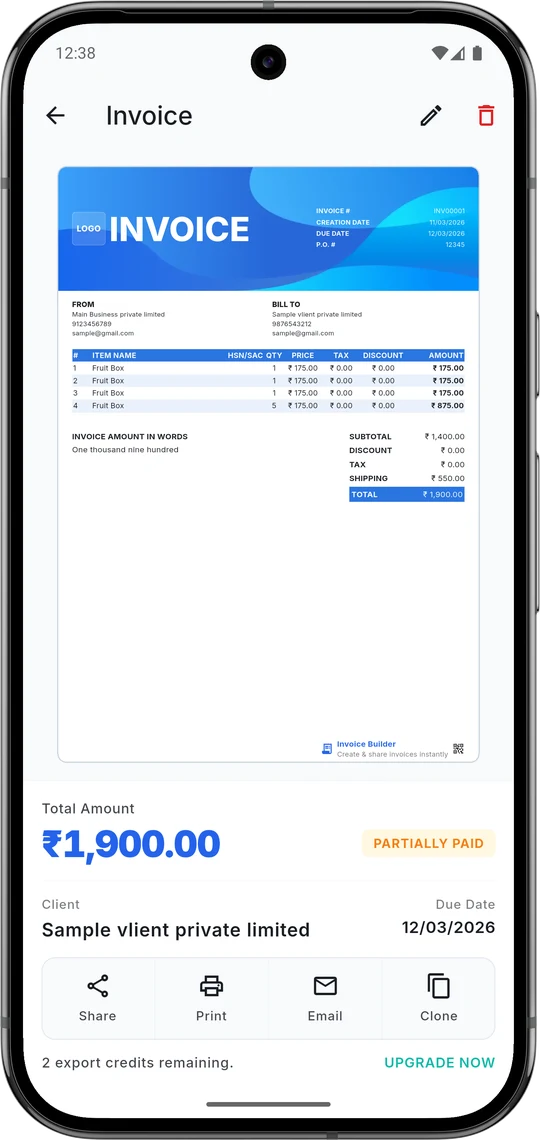
Create an invoice in under a minute and share it as a clean PDF by email, WhatsApp or any app.
Invoice Master turns your phone into a complete billing tool. Make professional PDF invoices and estimates, send them to clients and see who has paid — even offline.
On a computer? Use the free online invoice generator →
Add it once in your settings and it's on every invoice and estimate you send.
Built for freelancers, contractors and small businesses who'd rather be working than doing paperwork.
Create an invoice in under a minute and share it as a clean PDF by email, WhatsApp or any app.
Send a quote before the job starts and track whether it's pending, approved or cancelled.
Save client details and billing addresses once, then invoice them again in a few taps.
Keep a catalog of products and services with prices and stock, ready to add as line items.
Get notified when an invoice is due soon or due today, and mark it unpaid, partially paid or paid.
See paid and outstanding amounts, revenue and invoice activity at a glance.
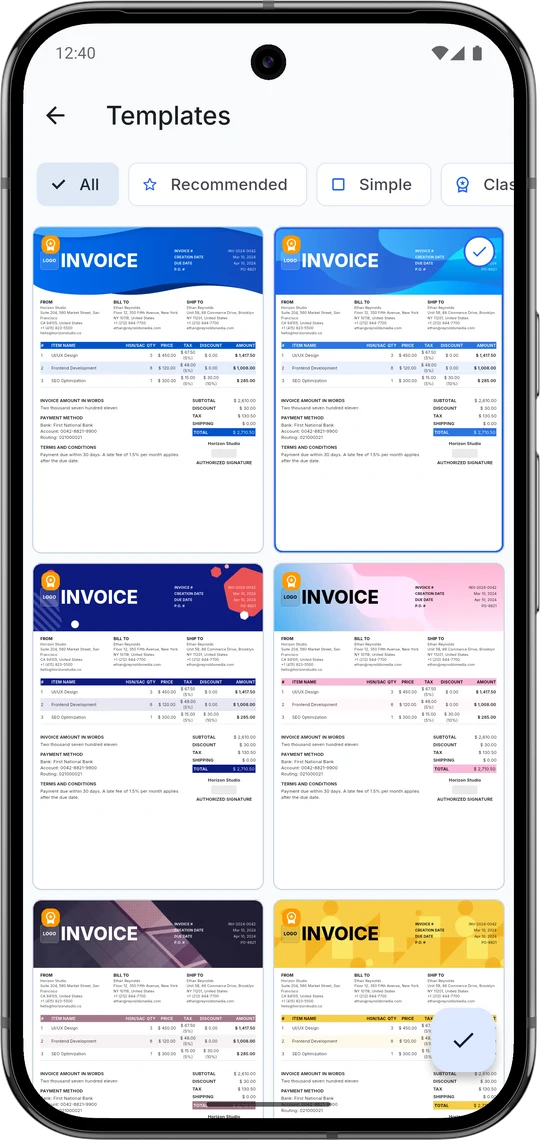
Start with free professional designs. Pro unlocks premium layouts to match your brand.
Run more than one brand, each with its own logo, details and invoice settings.
Everything is stored on your phone, so you can create invoices anywhere — even with no signal.
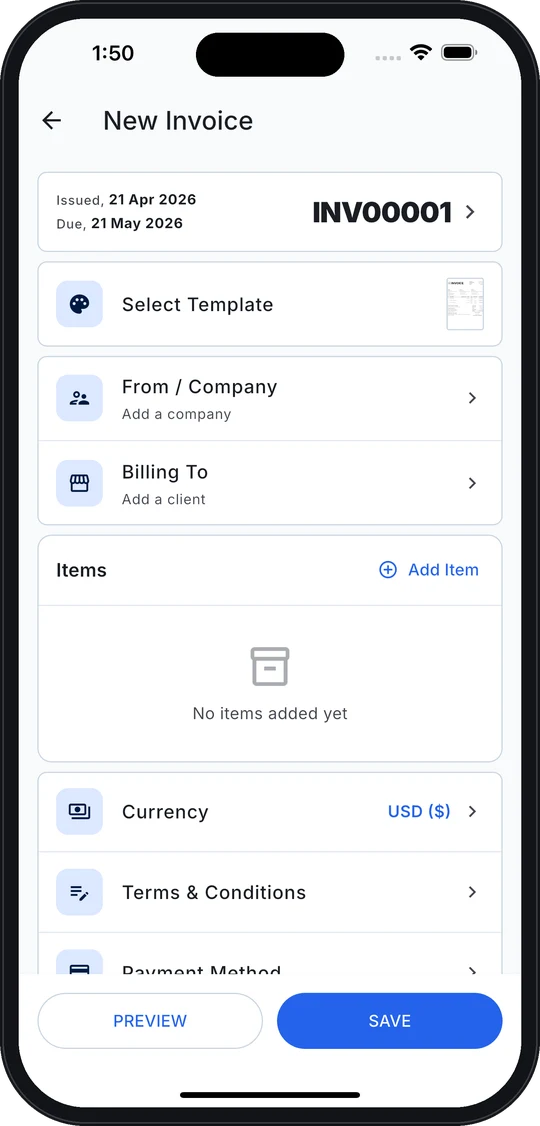
Your name, logo, tax ID and payment details — once.
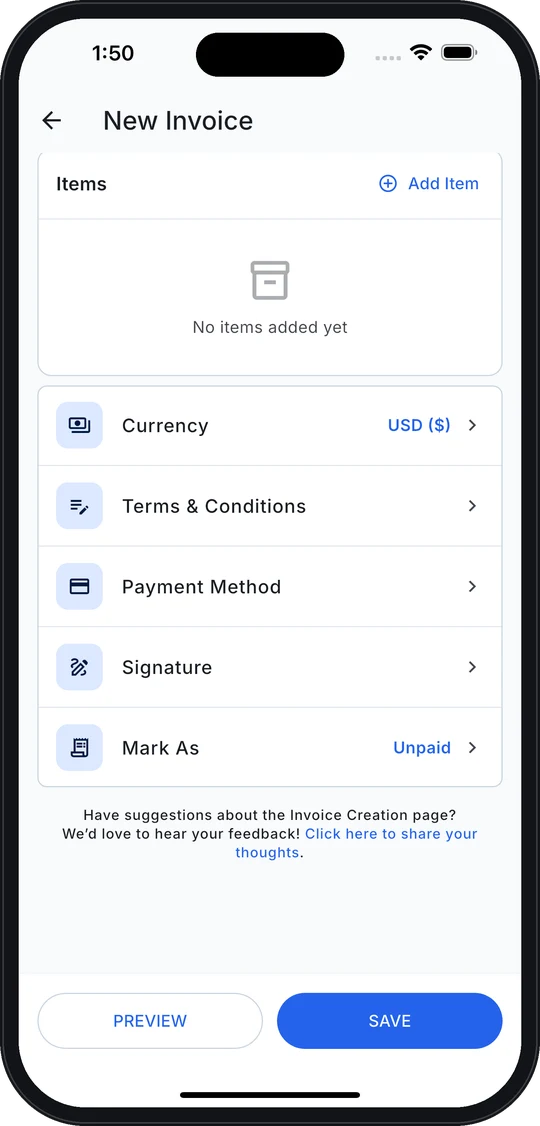
Pick a client, add items from your catalog. Totals and tax are calculated for you.
Share the PDF, then mark it paid when the money arrives.
Designers, developers, writers and consultants billing by the hour or by the project.
See how it works →Plumbers, electricians and builders who quote on site and invoice before they leave.
See how it works →Shops, studios and agencies that need invoices, estimates, stock and taxes in one place.
See how it works →No phone handy? Make an invoice right here in your browser — no signup, no watermark.
| Description | Qty | Rate | Amount | |
|---|---|---|---|---|
| $3,500.00 | ||||
| $3,000.00 | ||||
| $480.00 |
 Continue on your phone
Live Preview
| Description | Qty | Rate | Amount |
|---|---|---|---|
| UI/UX Design — Mobile App | 1 | $3,500.00 | $3,500.00 |
| Frontend Development | 40 | $75.00 | $3,000.00 |
| Project Management | 8 | $60.00 | $480.00 |
company name, email, and address in the "From" section.
name, email, and billing address in the "Bill To" section.
use the auto-generated number or your own.
description, quantity, and rate. Totals calculate automatically.
save as PDF from your browser or download the invoice file.
Yes. The app is free to download on iPhone, iPad and Android and includes a free plan for invoices and estimates. The online invoice generator on this page is completely free with no account. An optional Pro subscription — monthly, yearly or a one-time lifetime purchase — removes limits and unlocks premium templates, multiple business profiles, multi-currency and advanced reports.
Yes. Invoice Master is on the App Store (iPhone and iPad) and Google Play (Android). The app adds saved clients, a product catalog, estimates, payment tracking, reminders and reports.
Yes. Every invoice and estimate in the app exports as a PDF you can share by email, WhatsApp or any messaging app. On the web, use 'Print / Save PDF'.
Yes. Your data is stored on your device, so you can create and manage invoices without an internet connection, with optional external backup.
The web generator runs entirely in your browser — no invoice data is sent to our servers. The mobile app stores everything locally on your device.
English, German, Spanish, French, Italian, Japanese, Portuguese and Chinese.
Download Invoice Master free on iPhone and Android and send a professional invoice in under a minute.
On a computer? Scan with your phone