 Invoice Master
Bill by the hour or by the project
Add hours as quantity and your hourly rate, or a single fixed-price line — totals, tax and discounts are calculated automatically.
Designers, developers, writers and consultants use Invoice Master to bill clients without spreadsheets or expensive accounting software. Generate a free invoice in your browser right now, or use the app to keep every client and payment in one place.
On a computer? Use the free online invoice generator →
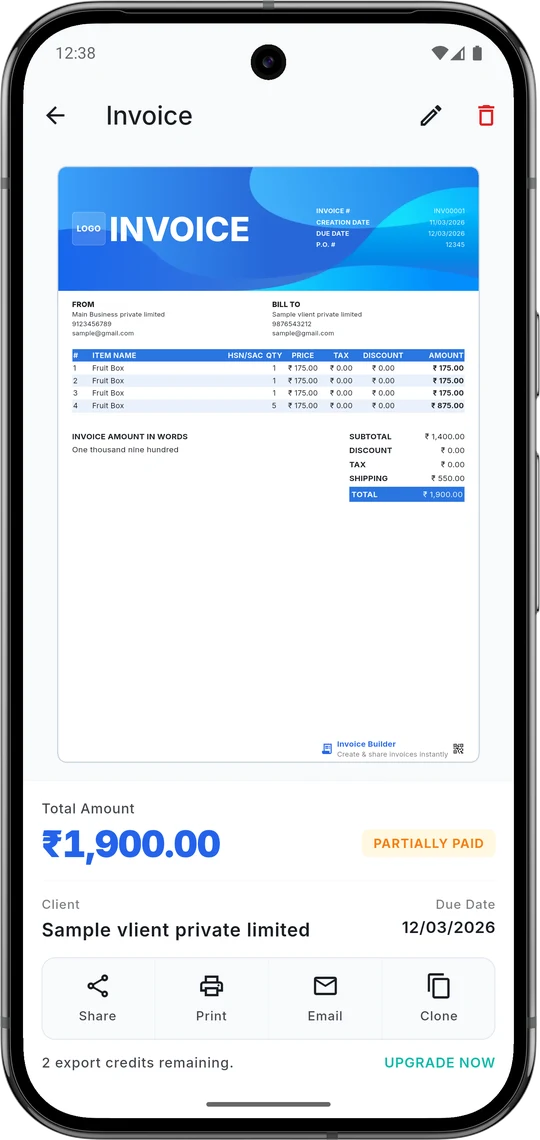
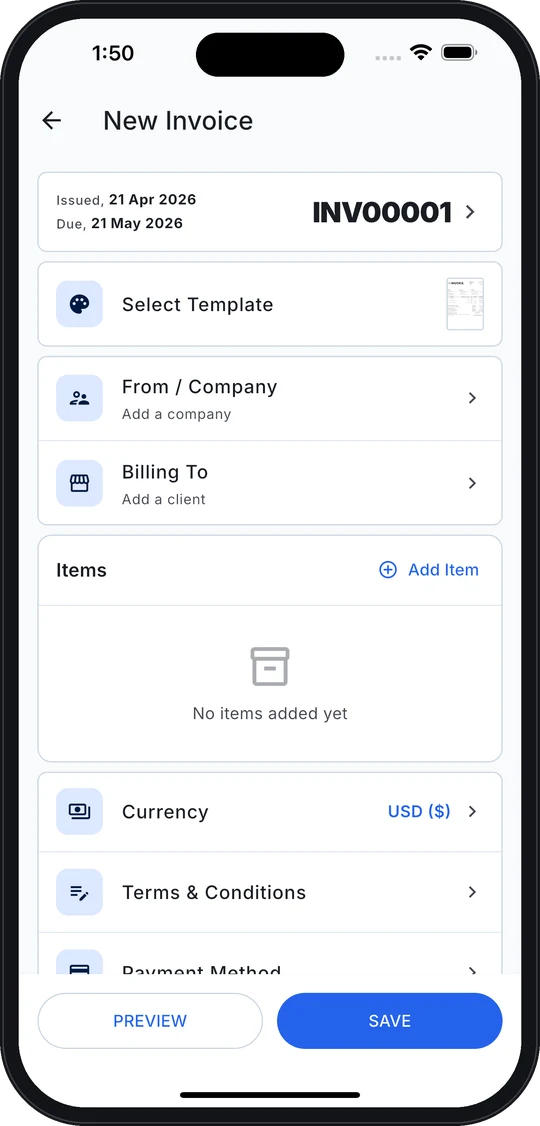
Add hours as quantity and your hourly rate, or a single fixed-price line — totals, tax and discounts are calculated automatically.
Bill clients abroad in their currency with multi-currency support on Pro.
See unpaid and partially paid invoices at a glance, and get reminded when a payment is due.
A branded PDF with your logo, signature, payment methods and terms makes a small business look polished.
Add your name or business name, contact details and logo.
Add your client's name, email and billing address.
List the work: hours × rate, or a fixed project fee.
Add your payment details and due date (for example Net 14).
Download the PDF and email it — then track it until it's paid.
Your name and contact details, the client's details, a unique invoice number, the invoice and due dates, a description of the work, the amount due, any tax, and how to pay you.
Yes. The invoice generator on our home page works in your browser with no account. Use the app if you want to save clients and track payments.
Available on iPhone, iPad and Android. Create your first invoice in under a minute.
 On a computer? Scan with your phone