 Invoice Master
Quote on the spot
Build an estimate from your saved products and services in seconds — quantities, rates, taxes and shipping are calculated for you.
Send a clear, professional quote while you're still with the customer. Invoice Master lets you build estimates from your saved items, share them as PDFs and track whether each one is approved, declined or still pending.
On a computer? Use the free online invoice generator →
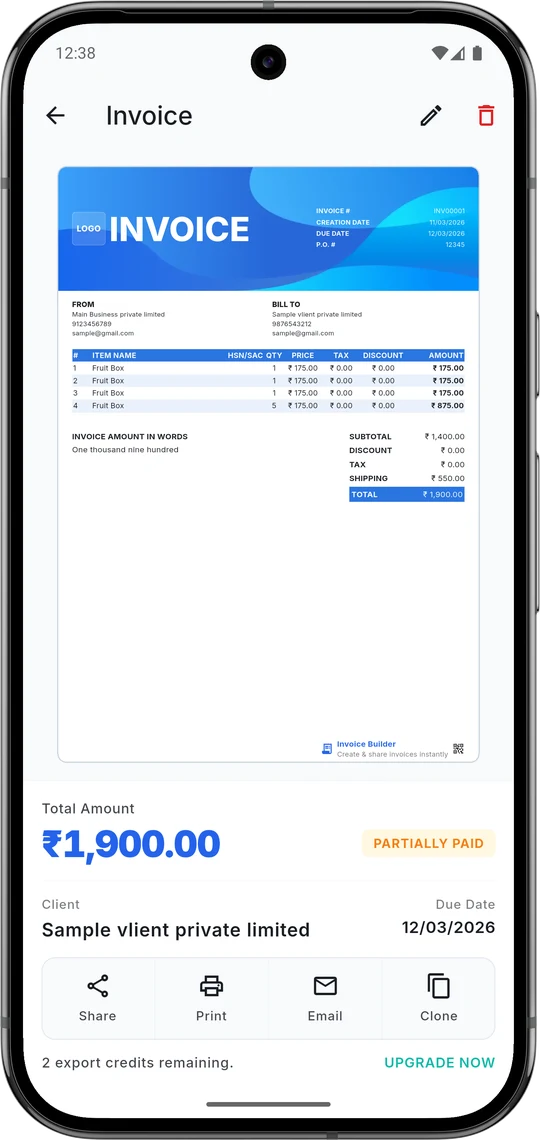
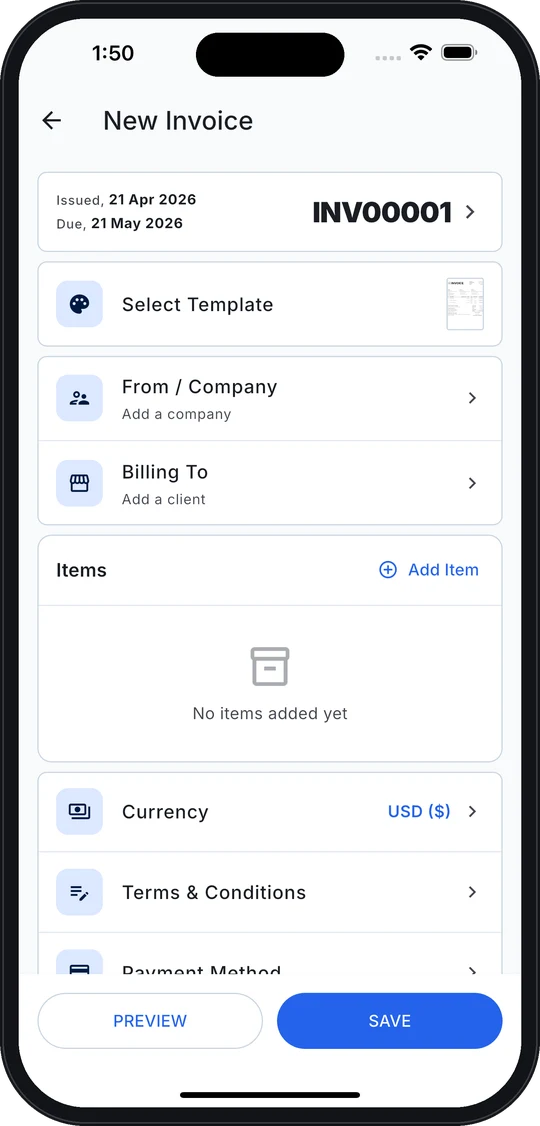
Build an estimate from your saved products and services in seconds — quantities, rates, taxes and shipping are calculated for you.
Set each estimate's status — pending, approved or cancelled — and filter your list to see what needs a follow-up.
Your logo, business details, signature and terms on a clean PDF that builds trust before the work starts.
When the job is done, bill the client from the same app with the same client and item details.
Open Invoice Master and go to Estimates.
Choose or add the client.
Add line items from your catalog, with tax and any shipping.
Add notes or terms, then preview and share the PDF.
Update the status when the client approves.
An estimate (or quote) tells a client what a job is expected to cost before work starts. An invoice requests payment for work that has been delivered. Invoice Master handles both.
Yes, estimates are included in the free plan of the Invoice Master app on iPhone and Android.
Yes. Save your tax rates once and apply them per item, including tax on shipping charges.
Available on iPhone, iPad and Android. Create your first invoice in under a minute.
 On a computer? Scan with your phone