 Invoice Master
Proposal to invoice
Send an estimate for the engagement and turn it into an invoice in one tap once it's approved.
Independent consultants use Invoice Master to send a proposal as an estimate, invoice hours or fixed fees, and keep every client's payments in one place — without full accounting software.
On a computer? Use the free online invoice generator →
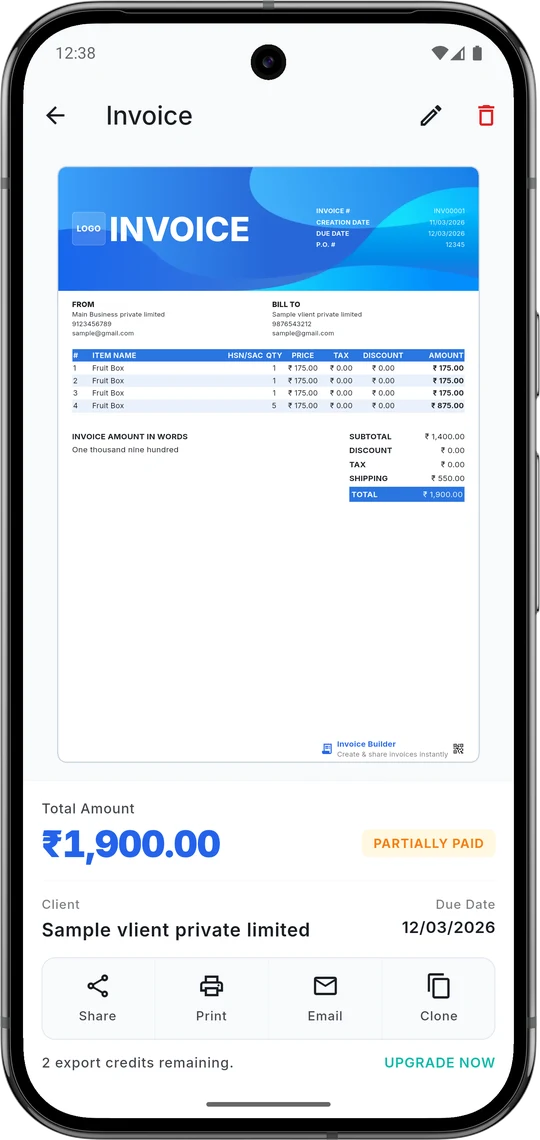
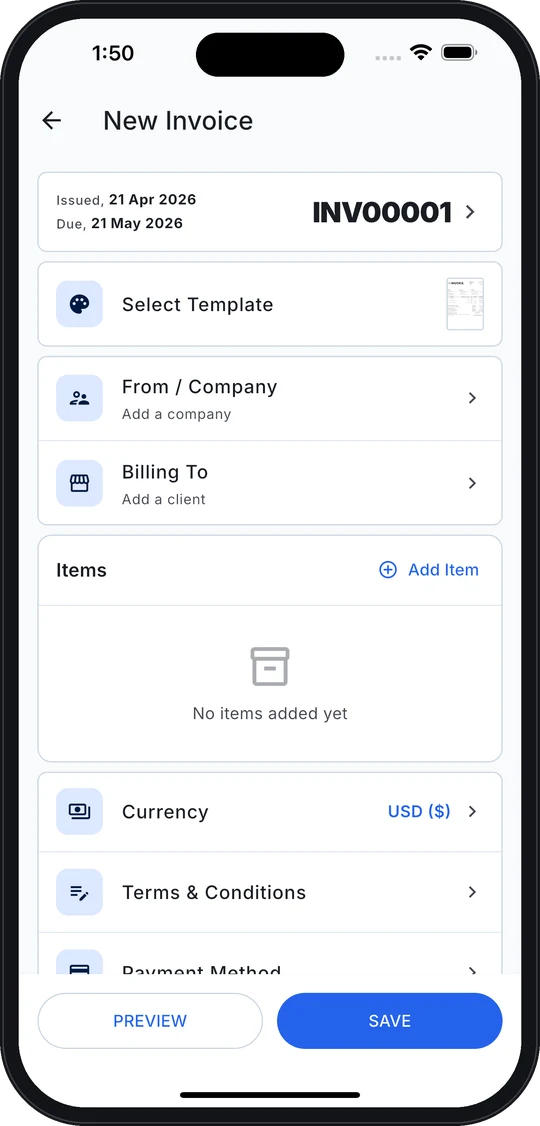
Send an estimate for the engagement and turn it into an invoice in one tap once it's approved.
Bill time as hours × rate, or a fixed project or retainer fee.
Logo, signature, tax ID, payment details and terms on a clean, professional invoice.
Overdue invoices are flagged in the app and you get reminders, so nothing slips through.
Add your business profile with logo, tax ID and payment details.
Send the client an estimate for the engagement.
Convert it to an invoice when the work is agreed or delivered.
Set the due date (for example Net 30) and send the PDF.
Track it until it's paid, then send a receipt.
Create the invoice once, then clone it each month and update the dates.
Yes. Add it to your business profile and it appears on every invoice.
Available on iPhone, iPad and Android. Create your first invoice in under a minute.
 On a computer? Scan with your phone