 Invoice Master
Quote every package
Save your packages, extra hours, prints and travel fees as items, and build an estimate for a client in seconds.
Wedding, portrait and event photographers use Invoice Master to quote a shoot, take a deposit and invoice the balance after delivery — with a branded PDF that matches the quality of their work.
On a computer? Use the free online invoice generator →
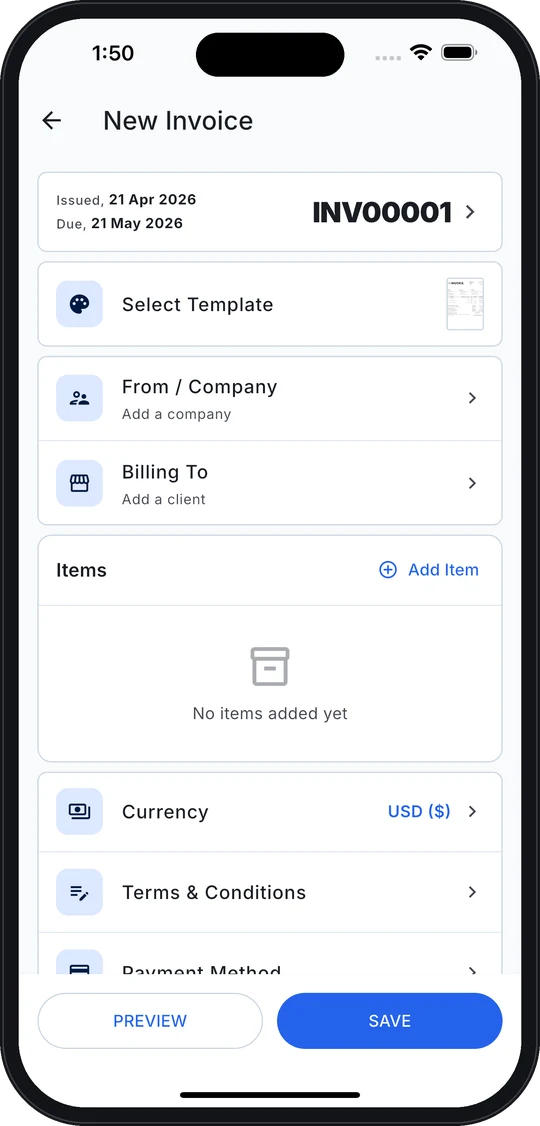
Save your packages, extra hours, prints and travel fees as items, and build an estimate for a client in seconds.
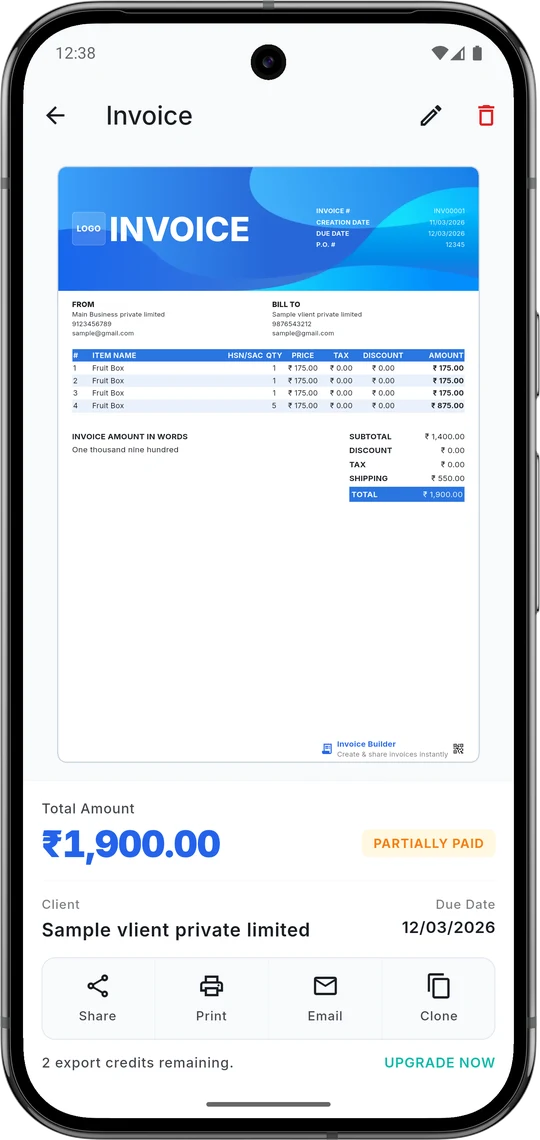
Record a deposit as a partial payment; the invoice shows what's been paid and the balance still due.
Add your PayPal or Stripe payment link and the invoice PDF shows a "Scan to pay" QR code with the balance filled in where supported.
Send a receipt the moment a client pays, straight from the invoice.
Save your packages and add-ons (extra hours, prints, travel) as items.
Send an estimate for the shoot and convert it to an invoice once it's approved.
Record the deposit as a partial payment.
After delivery, send the invoice for the balance with your payment link.
Mark it paid and send the client a receipt.
Create the invoice for the full package and record the deposit as a partial payment. The invoice then shows the amount paid and the balance due.
If you use a Stripe payment link or PayPal, add it as a payment method: unpaid invoices show the link and a QR code your client can scan to pay.
Available on iPhone, iPad and Android. Create your first invoice in under a minute.
 On a computer? Scan with your phone