 Invoice Master
Your payment service
PayPal.me, Stripe payment links, Venmo, Cash App or any other payment link.
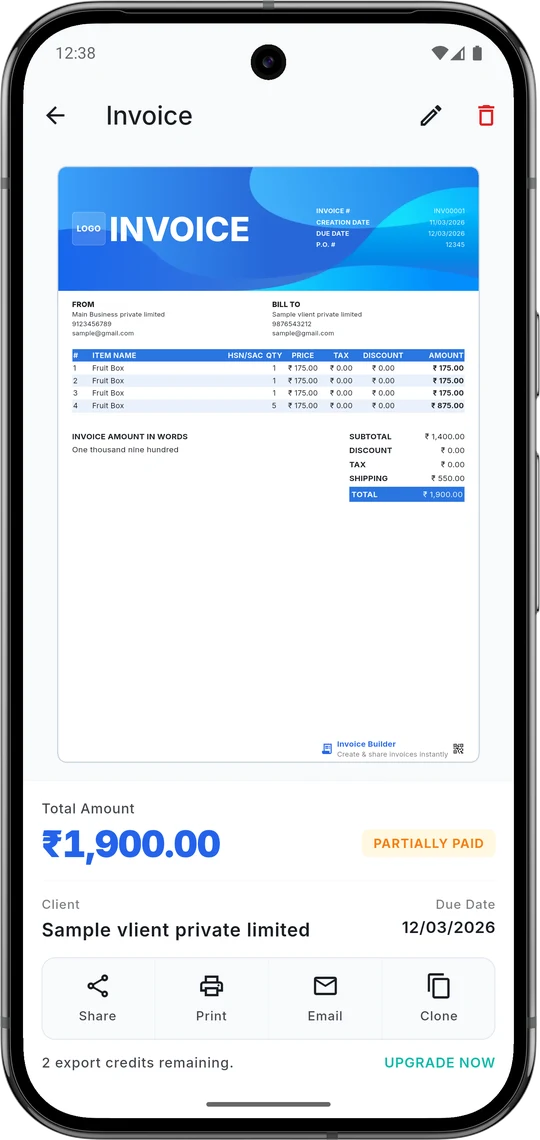
Add your payment link once and every unpaid invoice PDF shows a clickable "Pay online" link and a "Scan to pay" QR code. Clients pay in a few taps instead of copying bank details.
On a computer? Use the free online invoice generator →
PayPal.me, Stripe payment links, Venmo, Cash App or any other payment link.
For PayPal.me and Cash App the link includes the balance due, so clients don't have to type it.
The QR code appears on unpaid and partially paid invoices and disappears once the invoice is paid.
Payment links and QR codes are part of the free plan.
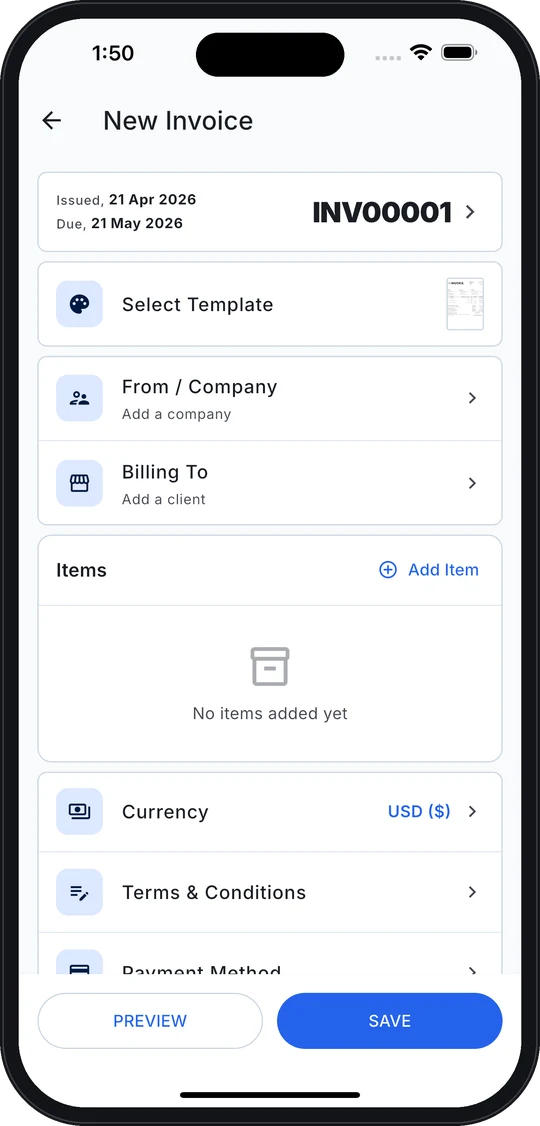
Go to Payment methods and add a new one.
Pick PayPal, Stripe, Venmo, Cash App or Other link.
Enter your link or username — the preview shows how it will look.
Choose that payment method on your invoice.
Send the PDF: your client scans the QR code to pay.
Yes. Clients can scan it from a printed copy or from the PDF on another screen; in the PDF the link is also clickable.
No. Payments go straight to your PayPal, Stripe, Venmo or Cash App account; Invoice Master never handles the money.
Available on iPhone, iPad and Android. Create your first invoice in under a minute.
 On a computer? Scan with your phone